Best AI Tools for Students in 2026: Study Smarter, Not Harder
Looking for the best AI tools for students? Whether you are a college student juggling research papers or a high school student tackling homework, the right AI tools for studying can save hours every week. Below are the AI study tools US students actually use, for studying, notes, writing, research, and homework, each with honest pros and cons.
The Best AI Tools for Students at a Glance
- Best all-round AI study helper: ChatGPT, explanations, practice quizzes, and ideas.
- Best for writing help: Claude, clear explanations and essay feedback.
- Best for grammar and polish: Grammarly, writing checks as you type.
- Best for research: Perplexity, answers with real sources.
- Best AI tools for taking notes: Notion AI, summaries and study guides from your notes.
- Best for math homework: Photomath, step-by-step math explanations.
- Best for presentations: Canva, fast, good-looking slides.
- Best for test prep: Quizlet, AI flashcards and practice tests.
How We Picked These AI Study Tools
We focused on free AI tools for students and affordable options that meet three standards: genuinely useful free tiers, popularity among US students, and a real fit for schoolwork, from best AI tools for college students writing research papers to best free AI tools for high school students studying for the SAT.
How to Choose the Right AI Study Tool for Your Classes

With hundreds of apps calling themselves AI study tools, the trick is matching the tool to the task, not downloading everything and hoping for the best.
- Start with the job, not the app. Stuck on concepts? Use ChatGPT or Claude. Drowning in reading assignments? Perplexity finds sources and Notion AI summarizes your notes. Memorizing terms for a test? That is Quizlet’s job. Pick one tool per task and learn it well instead of juggling six mediocre ones.
- Check the free tier’s real limits. A free plan that caps you at five questions a day will fail you during finals week. Look at the daily and monthly limits before you build a study routine around a tool, and note which features, file uploads, advanced models, unlimited flashcards, sit behind the paywall.
- Use tools your school actually allows. Some teachers ban AI drafting but welcome AI tutoring, outlining, and grammar checks. Read your syllabus and your school’s academic integrity policy first. The best AI tool for students is useless if using it costs you the assignment or the class.
- Test it against answers you can verify. Before trusting a new tool with real homework, quiz it on questions you already know the answer to. If it invents facts or fakes a citation there, it will do the same on your graded work.
- Protect your privacy. Avoid pasting personal details, school login information, unpublished research, or a classmate’s work into tools you do not control, and check the settings for whether the app trains on your conversations.
Follow those five steps and you will end up with a small, reliable study kit instead of a phone full of apps you opened once and forgot.
1. ChatGPT, Best All-Round AI Study Helper
Best for
Explaining hard topics, quizzing yourself, and brainstorming ideas for assignments.
Key features
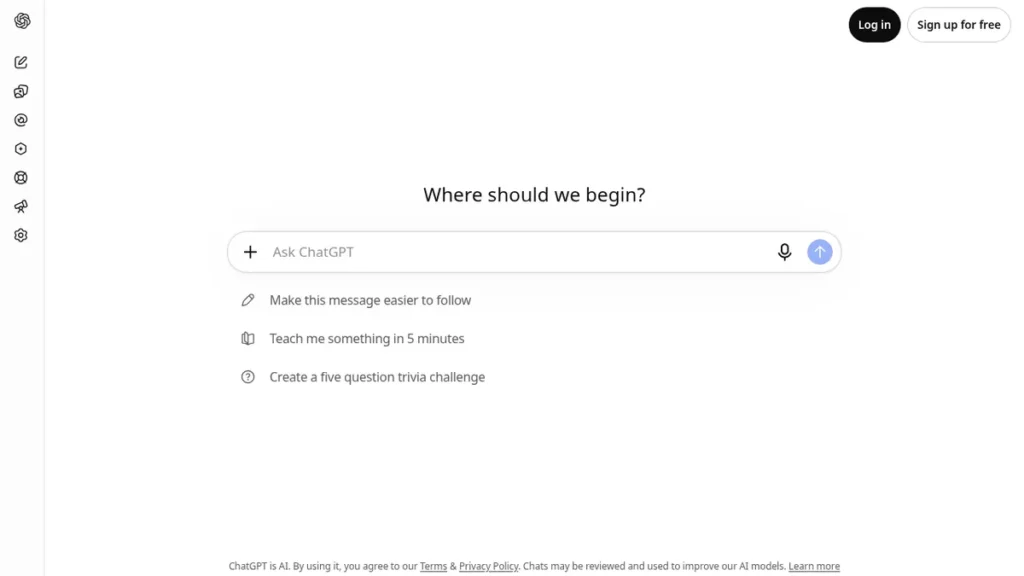
ChatGPT can explain difficult concepts in simple words, create practice questions before exams, walk you through problems step by step, and help outline essays. Its free tier covers everyday studying, making it one of the most-used AI homework help tools on US campuses.
Pros and cons
- Pro: The most versatile study assistant, one tool for many subjects.
- Pro: Generous free tier, ideal for students on a budget.
- Con: Can make confident-sounding mistakes, verify important facts.
- Con: Usage limits during busy periods on the free plan.
2. Claude, Best for Explanations and Essay Help
Best for
Patient explanations and thoughtful feedback on your writing.
Key features
Claude shines at explaining complex ideas in plain language and giving detailed feedback on drafts. As one of the best AI tools for essay writing help, it can critique your thesis statement, suggest stronger arguments, and rewrite confusing paragraphs, while keeping your voice. It also handles long readings and documents well.
Pros and cons
- Pro: Thoughtful, nuanced explanations that actually build understanding.
- Pro: Great at improving your writing without rewriting it for you.
- Con: Free tier limits run out faster than ChatGPT’s.
- Con: Fewer study-focused integrations.
3. Grammarly, Best for Grammar and Writing Polish
Best for
Polishing essays, emails, and applications as you write.
Key features
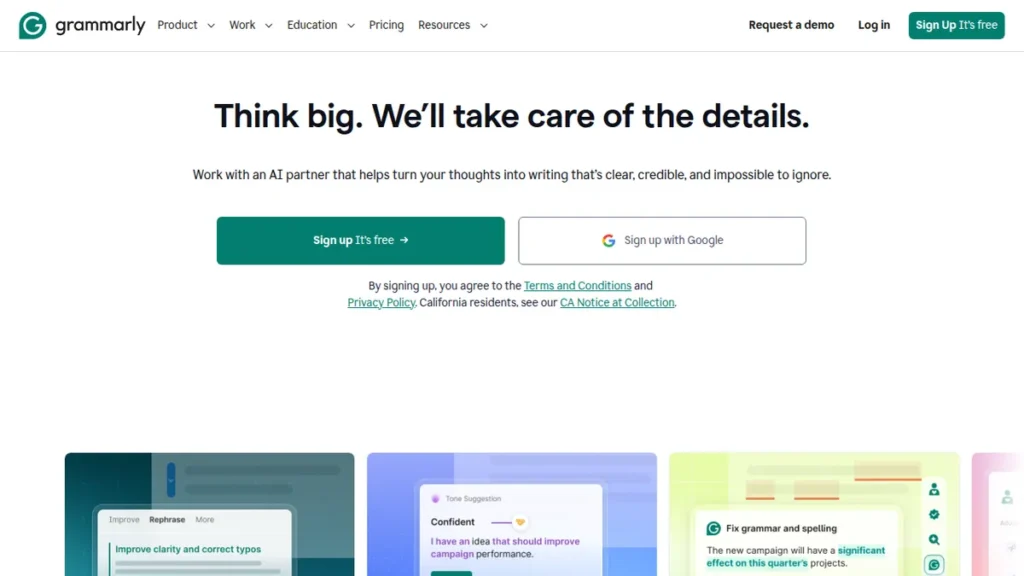
Grammarly’s free plan checks grammar, spelling, punctuation, and tone in your browser, Google Docs, and email. For students writing college applications, scholarship essays, and research papers, it catches mistakes you would miss and gently improves clarity.
Pros and cons
- Pro: Real-time corrections everywhere you write.
- Pro: Free plan covers the essentials.
- Con: Advanced style suggestions need a paid plan.
- Con: Can be overly picky about stylistic choices.
4. Perplexity, Best for Research With Sources
Best for
Research papers and fact-checking with citable sources.
Key features
Perplexity is an AI search engine that answers questions directly and attaches real, clickable sources, perfect for finding references for papers. It saves hours compared with digging through search results, and its free tier is generous for students.
Pros and cons
- Pro: Every answer includes sources you can cite and verify.
- Pro: Much faster than traditional search for research.
- Con: Advanced model searches are limited on the free plan.
- Con: Always open the sources yourself before citing them.
5. Notion AI, Best AI Tools for Taking Notes

Best for
Turning messy lecture notes into clean summaries and study guides.
Key features
Among AI tools for taking notes, Notion AI stands out: it summarizes long lecture notes, extracts action items and key terms, creates study guides, and answers questions about your own notes. Students who keep all their class notes in Notion get a personal study assistant built in.
Pros and cons
- Pro: Transforms raw notes into organized, searchable study material.
- Pro: Great for group projects and shared class notes.
- Con: Works best if you already organize notes in Notion.
- Con: AI features may require a paid add-on depending on the plan.
6. Photomath, Best for Math Homework Help
Best for
Understanding math problems step by step, from algebra to calculus.
Key features
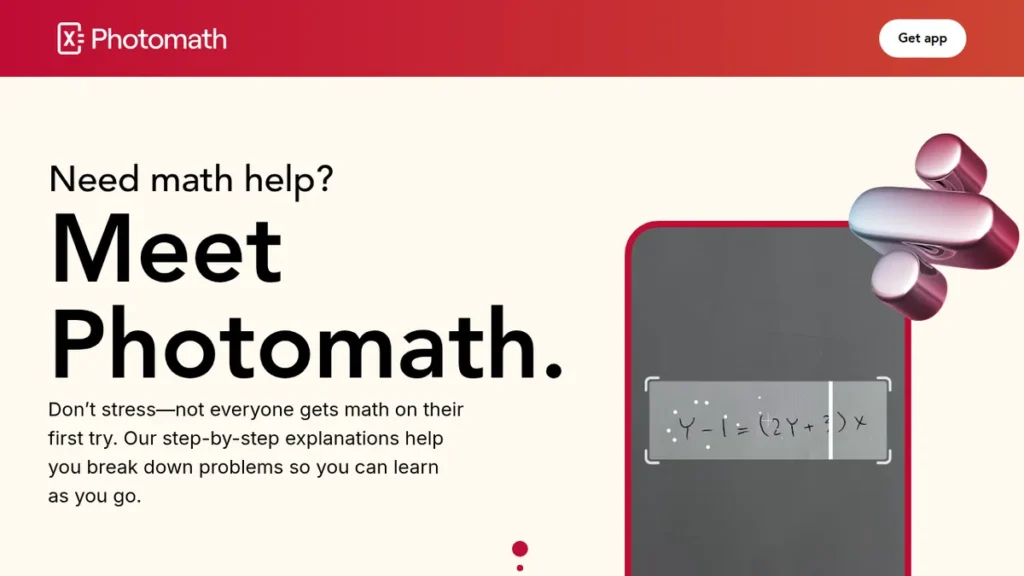
Photomath lets you scan a math problem with your phone camera and shows step-by-step solutions with explanations. Unlike a plain answer key, it teaches the method, making it one of the most effective AI homework help tools for math classes.
Pros and cons
- Pro: Instant, clear step-by-step math explanations.
- Pro: Free tier covers most high school and early college math.
- Con: Tempting to copy answers, use it to learn the steps.
- Con: Struggles with word problems that need interpretation.
7. Canva, Best for Presentations and Class Projects
Best for
Slide decks, posters, and visual projects that look professional.
Key features
Canva’s free plan includes AI-assisted design tools, presentation templates, and Magic Write for drafting slide text. Students can build polished presentations from a simple outline in minutes, a favorite among the best AI tools for college students for group projects.
Pros and cons
- Pro: Professional-looking slides with zero design skills.
- Pro: Generous free plan; many schools offer education access.
- Con: Premium templates and AI features may need a paid plan.
- Con: Easy to over-design, keep slides simple.
8. Quizlet, Best for Flashcards and Test Prep

Best for
Memorizing vocabulary, formulas, and facts before exams.
Key features
Quizlet’s AI features can generate flashcards and practice tests from your notes or textbook chapters. Its Learn mode adapts to what you get wrong, making it one of the most effective AI study tools for SAT prep, AP exams, and language classes.
Pros and cons
- Pro: Spaced repetition that actually improves memorization.
- Pro: Huge library of shared study sets for common courses.
- Con: Best AI features require a paid plan.
- Con: Quality of shared sets varies, verify before trusting.
How to Use AI for Homework the Smart Way
The golden rule: use AI to learn, not to skip learning. Ask it to explain a concept three different ways, quiz you, or check your work, do not just copy its answers. Always check your school’s academic integrity policy first: many US schools allow AI as a study aid but not for graded work. When in doubt, ask your teacher. Students who use AI as a tutor consistently outperform those who use it as a shortcut.
Common Mistakes Students Make With AI Tools

Used well, AI works like a patient tutor. Used carelessly, it quietly undermines your grades. Watch out for these traps:
- Copying AI text into assignments. Submitting AI-written work as your own violates most school policies, and detectors aside, teachers recognize the generic style quickly. Worse, you learn nothing, and that gap shows up on the next in-class exam, where no chatbot can help you.
- Trusting confident answers. Chatbots state wrong facts, invented citations, and broken math with total confidence. Verify anything important against your textbook, your class notes, or a source you opened yourself through Perplexity.
- Skipping the struggle entirely. Learning happens when you wrestle with a problem first. Ask for hints, examples, and explanations before you ask for answers, if you never struggle with the material, the knowledge never sticks.
- Using one tool for every job. A chatbot is a weak calculator, a mediocre search engine, and a risky source of citations. Match the tool to the task: Photomath for math steps, Perplexity for research, Grammarly for final polish.
- Sharing too much personal information. Do not paste home addresses, school IDs, private messages, or a classmate’s work into AI chats, and be thoughtful about uploading essays you have not submitted yet.
- Cramming with AI at the last minute. Generating one summary the night before an exam beats nothing, but spaced practice with flashcards over two weeks beats it every time.
Avoid these six mistakes and AI becomes what it should be for students: support that makes your own work stronger, not a substitute for it.
Frequently Asked Questions
Which AI is best for students?
ChatGPT is the best all-round AI for students because its free tier handles explanations, practice questions, and brainstorming across every subject. Pair it with Grammarly for writing and Perplexity for research, and most schoolwork is covered.
What are the best free AI tools for studying?
The best free AI tools for students include ChatGPT for explanations and practice, Perplexity for sourced research, Grammarly for writing checks, Photomath for math steps, and Canva for presentations. All offer genuinely useful free tiers.
Can students use AI for homework?
Students can use AI as a study aid, for explanations, practice, and feedback, but should check their school’s policy before using it on graded assignments. The smartest approach is using AI like a tutor: ask it to explain, quiz you, and review your work rather than doing the work for you.
Is it cheating to use AI tools for schoolwork?
It depends on how you use them and what your school allows. Using AI to explain a concept, quiz you before an exam, check your grammar, or give feedback on a draft you wrote yourself is tutoring, and most teachers accept it. Copying AI-generated essays or homework answers and submitting them as your own work crosses the line at nearly every school in the US. When you are unsure, ask your teacher directly, and if a tool helped you substantially, many instructors appreciate a brief note saying how you used it.
What is the best free AI app for students?
ChatGPT’s free tier is the best all-round pick: it explains topics in plain language, builds practice quizzes, and helps you brainstorm across almost every subject. Pair it with Perplexity for research with real sources and Grammarly’s free plan for writing polish, and you have a complete study kit that costs nothing. Students who live in their notes should add Notion, math students should add Photomath, and anyone facing a big test should add Quizlet, every one of them has a genuinely useful free version.
Can AI tools help with SAT and AP test prep?
Yes, and used consistently they work like a free private tutor. Quizlet turns your class notes into flashcards and timed practice tests, ChatGPT and Claude can generate SAT-style math and reading questions and then explain why each answer choice is right or wrong, and Perplexity helps you review history and science topics with sources attached. The approach that works best mirrors good tutoring: short daily practice sessions, careful review of every wrong answer, and full timed practice tests as exam day gets closer.
Conclusion: Build Your AI Study Kit
The best AI tools for students will not do your homework, they will make you better at it. Start with ChatGPT for everyday studying, add Grammarly for writing and Perplexity for research, and pick the specialist tools that match your classes. Study smarter, learn deeper, and keep your grades honestly earned.
Your AI Study Kit at a Glance

A visual look at the best AI tools for students in this guide, AI tutors, study assistants, math solvers, and note-taking apps.
Free Tools to Pair With Your AI Study Kit
Stretch your study tools further with our free utilities: brainstorm essay topics with the blog title generator, check assignment length with the word counter before submitting, and publish class projects through our blogging and social tools hub.
More Answers for Students
What is the best AI tutor for high school students? Khan Academy’s Khanmigo is purpose-built for K-12 learning: instead of handing over answers, it guides students through problems step by step like a Socratic tutor, aligned to school curricula. For open-ended homework help and explanations across subjects, ChatGPT remains the most versatile AI homework helper.
Khanmigo vs ChatGPT, which is better for learning? They serve different goals. Khanmigo is designed to build understanding and is widely approved by educators, while ChatGPT is faster and broader but will happily give you the answer outright. Students who want to actually learn the material do better with Khanmigo-style guided tutoring; students who need quick explanations across many subjects lean on ChatGPT.
What are the best free AI tools for college students? The strongest free AI apps for college are ChatGPT for explanations and drafting, Quizlet for AI-generated flashcards and test prep, Photomath for step-by-step math solutions, and Perplexity for research with citable sources. Together they cover lectures, assignments, exam prep, and research papers at zero cost.
Which AI note-taking app is best for lectures? Notion AI turns messy lecture notes into clean summaries, study guides, and action items, and it keeps everything searchable for finals season. For live classes, AI meeting assistants like Otter.ai transcribe the lecture in real time so you can focus on listening instead of frantic typing. The best AI note taker is the one that fits the note system you will actually maintain.